Eclipse Homepage Layout
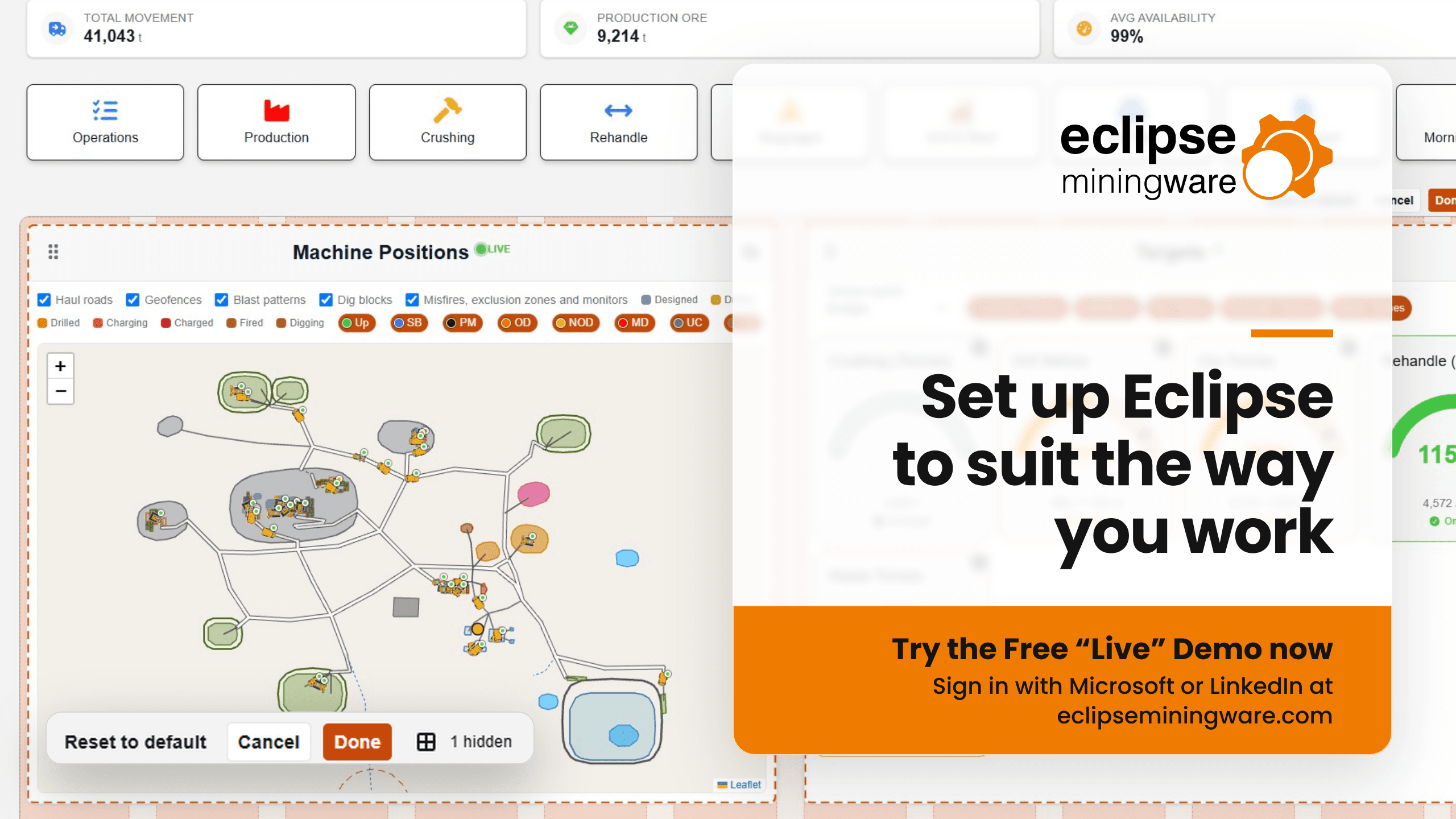
The Eclipse homepage is now yours to arrange. Each user can choose which tiles they see, the order they appear in and what each tile shows, so the first screen after login contains a useful summary of the current shift or day.
What the tiles show
Each tile summarises different parts of the operation across production, drill & blast, grade control maintenance and dispatch, measures them against any targets that exist. The Targets tile, for example, tracks crushing, drill metres, ore tonnes, rehandle, waste tonnes and more against budget/forecast or plan, while Machine Positions shows your fleet live on the site map. If you’re familiar with Eclipse zones you’ll know new tiles are being developed every week, so the choice keeps growing.
Who controls what
Eclipse Lead Admins set which zones have access to which tiles. Within that, each user chooses:
- which tiles to show
- the order the tiles appear in on their homepage
- which targets a tile relates to
- the order of items within a tile
Changing your layout
In edit mode, drag tiles into the order you want and hide the ones you don’t need. A counter shows how many are hidden, so nothing disappears without you knowing. Done saves your changes, Cancel throws them away, and Reset to default puts the homepage back as it was.
Saved to your browser
Your layout is stored in your browser, so it’s there next time you log in on that device. Each device keeps its own layout, so a user's PC and a phone can be set up differently.
Get in touch to find out what Eclipse could do for your operation or login now to check-out the Eclipse Demo.